
Privacy in support groups means controlling who sees your identity, your words, and your history in anonymous or pseudonymous peer spaces, not clinician-led therapy sessions. The single best move you can make right now is joining only private, moderated groups under a burner identity, and confirming the group bans screenshots and recordings before you type a word. Look for options like Unmasked Care that build privacy into the platform itself. If you’re in immediate danger, call or text 988 (Suicide & Crisis Lifeline) or 1-800-799-7233 (National Domestic Violence Hotline).
TL;DR:
- Joining private, approval-only groups with visible moderators and strict screenshot bans significantly reduces privacy risks and potential data leaks.
- Creating a burner email, practicing digital hygiene, and avoiding early off-platform conversations are crucial steps for maintaining anonymity.
- Active moderation with enforceable policies, quick responses to violations, and transparent rules build trust and protect members’ privacy.
- If a privacy breach occurs, immediately stop posting, secure evidence, and avoid public confrontations to mitigate harm.
- Platforms designed for survivor safety, like Unmasked Care, embed privacy features from the start, offering better protection than generic support communities.
Table of Contents
- What to check before joining or posting in a support group
- Digital hygiene steps to take before you participate
- What good moderation and privacy protection actually look like
- If your privacy is breached: what to do immediately
- Anonymous or identified: which participation style fits you
- Legal protections: what HIPAA and GDPR actually cover here
- Keeping privacy intact in in-person support groups
- Why privacy fears erode trust, and how groups rebuild it
- Unmasked Care perspective: privacy as a design choice, not an afterthought
- Try Unmasked Care with privacy built in from the start
- Sources
What to check before joining or posting in a support group
Not every group calling itself “private” actually behaves that way. Before you share anything, run through a short mental audit. It takes five minutes and saves you from a mistake you can’t undo.
Start with membership structure. A group that lets anyone in without approval is a group where your abuser, or someone connected to them, could be sitting in silence. Approval-only membership with visible, named moderators is the baseline, not a bonus feature.
Check these before you post anything identifying:
- Is membership private and approval-only, with moderators who are visible and reachable?
- Does the group explicitly ban screenshots and recordings, and does it enforce that rule when someone breaks it?
- Can you hide your profile details and control who can message you directly?
- Are disappearing messages or end-to-end encryption available for sensitive conversations?
- Is there a clear, readable privacy policy explaining how long data is stored and under what conditions it gets disclosed?
- Can admins export chat logs, and who has access to that export function?
That last point matters more than most people realize. Encryption protects your messages from outsiders, but it does nothing if an admin account with broad export access gets compromised or misused. Platforms built for survivor safety explicitly disable recording and downloading features wherever they can, precisely because member trust depends on those tools not existing in the first place.
Pro Tip: Before your first post, send a low-stakes message, something generic, not identifying, and watch how moderators respond. Their reaction time tells you more about real enforcement than any pinned rule ever will.
Digital hygiene steps to take before you participate
Your account setup and device habits matter as much as the group’s own rules. A perfectly moderated space still can’t protect you if your phone is compromised or your login is tied to your real email.
- Build a burner identity. Create a new email address that has no connection to your real accounts, pick a username you’ve never used elsewhere, skip the profile photo, and browse in private or incognito mode. Separating your identity this way is the single most effective step for anonymous participation.
- Lock down authentication. Turn on two-factor authentication using an authenticator app rather than text messages, update your recovery email and phone number, and use a VPN whenever you’re on a network you don’t fully trust.
- Use a device you actually trust. If you suspect your phone or laptop has been compromised, borrow a device instead, and consider a methodical audit for stalkerware rather than assuming a factory reset solved the problem. Advanced monitoring software often survives resets that most people assume wipe everything clean.
- Strip identifying details from everything you post. Remove metadata from photos before uploading, and avoid mentioning specific dates, cities, workplaces, or other unique identifiers that could let someone piece together who you are.
- Resist moving conversations off-platform too early. Wait until real trust is established before switching to a private channel, since that’s often where oversharing and identity slips happen fastest.
- Do routine maintenance. Every few weeks, review which apps have access to your accounts, revoke anything you don’t recognize, and rotate your passwords.
Pro Tip: Treat every group, even a private one, as if it could leak. That mindset doesn’t mean staying silent, it means sharing in a way that still protects you if the worst happens.
What good moderation and privacy protection actually look like
A privacy policy on paper means little without moderators who act on it. When you’re evaluating a group, or deciding whether to trust the one you’re already in, look for specific behaviors rather than vague promises.
Screening and onboarding should be visible from the start. Groups worth your trust usually have an approval flow before you’re admitted, pinned rules explaining the no-screenshot and no-DM policies, and welcome materials that spell out expectations clearly rather than burying them in fine print.
Enforcement is where most groups quietly fail. Ask yourself:
- Are there visible consequences when someone breaks a privacy rule, or does it just get ignored?
- Is there an anonymous way to report a violation without exposing your own identity in the process?
- Do moderators respond within a reasonable window, or do reports sit unanswered for days?
Behind the scenes, the strongest communities combine automated flagging with human review, use role-based access controls so that not every admin can see everything, and accept the trade-off between full encryption and a moderator’s ability to intervene when something goes wrong. Disappearing messages help, but they’re not a substitute for active enforcement.
Watch for red flags too: pressure to move the conversation off-platform quickly, requests for identifying details that have nothing to do with getting support, or moderators who go quiet when a report comes in. Good moderators can also point you toward crisis resources, including 988 and 1-800-799-7233, when a conversation moves beyond what peer support can safely hold.
If your privacy is breached: what to do immediately
A breach doesn’t mean you failed. It means you need to move quickly and calmly, in that order.
Stop posting right away, and log out of the affected account on every other device you’re signed into. Change your passwords from a device you know is secure, not the one you suspect is compromised.
Preserve evidence before you do anything else. Take screenshots or export the relevant conversations, save them to encrypted storage, and note the timestamps and usernames involved while they’re still fresh.
- Report the breach to group moderators and use the platform’s official abuse or report tool.
- Contact 988 or 1-800-799-7233 if you feel unsafe or unsure what to do next.
- Talk to a trusted advocate or attorney before sharing evidence widely, especially if legal action is a possibility.
Do not confront the person publicly. That rarely helps and often escalates risk for you specifically.
Anonymous or identified: which participation style fits you
There’s no single right answer here, and the choice isn’t permanent. Anonymous participation, a burner username with no photo and no personal details, gives you the most protection but can feel isolating, since deeper trust often grows from shared specifics that anonymity limits.
Identified participation, using your real name or a recognizable profile, can build faster rapport and make in-person meetups easier to coordinate. It also raises your exposure if the group ever gets breached or if someone in it turns out to know your abuser.

A reasonable approach is starting anonymous and adjusting over time. Join under a burner identity, observe how the group actually handles rule violations for a few weeks, and only reveal more of yourself once you’ve watched moderators respond to a real incident, not just read their policy. If you never see enforcement in action, that’s useful information too.
Some people stay anonymous permanently and never regret it. Others eventually go identified within a smaller, vetted subgroup once trust is established. Either path is valid. What matters is that the decision stays yours, made with clear eyes about the trade-off, rather than pressure from the group itself.
Legal protections: what HIPAA and GDPR actually cover here
Most peer support communities for survivors are not covered by HIPAA, since that law applies specifically to healthcare providers and their business associates, not anonymous forums or peer-led groups. If a licensed therapist runs a group session, HIPAA protections may apply to that clinical relationship, but the peer forum you joined last night almost certainly isn’t a covered entity.
That gap matters. It means your recourse for a privacy violation in most peer groups comes down to the platform’s own terms of service and, where applicable, general data protection law rather than federal health privacy statutes.
If a platform operates in the European Union or serves EU residents, GDPR gives users rights to access, correct, or delete their personal data, and it requires companies to disclose what they collect and why. US-based platforms serving US users generally aren’t bound by GDPR unless they specifically offer services to EU residents.
What actually protects you in most cases is the platform’s stated privacy policy combined with state-level data protection laws, which vary. Read the policy before you rely on it. A group that’s vague about data retention or disclosure conditions is telling you something, even if it never says it directly.

Keeping privacy intact in in-person support groups
Digital hygiene gets most of the attention, but in-person groups carry their own privacy risks that people often underestimate. Location confidentiality matters as much online safety does.
Meeting locations for survivor groups are often kept deliberately vague until you’ve confirmed attendance, sometimes shared only a day or two beforehand. That’s not bureaucratic caution, it’s a real safeguard against someone tracking a pattern.
Discretion among members matters just as much. A well-run in-person group sets expectations early: no discussing other members’ identities outside the room, no posting photos from meetings, no assuming that recognizing someone from another context gives you permission to acknowledge it publicly. Parking a few blocks away rather than directly outside the venue, and leaving separately rather than in a visible group, are small habits that add up.
Facilitators should address this directly at the first session, not leave it as an unspoken assumption. If a group never mentions discretion or location privacy at all, that silence is worth noticing.
Why privacy fears erode trust, and how groups rebuild it
Worrying about who might see your post doesn’t just feel uncomfortable, it changes what you’re willing to say, which changes how much the group can actually help you. Survivors often describe a kind of internal edit that happens before they type anything, softening details, leaving out names, sometimes deciding not to post at all.
That hesitation is a rational response to real risk, not a personal shortcoming. This isn’t a diagnosis of anything, it’s a description of a common, understandable behavior pattern among people who’ve been monitored or controlled before.
Trust rebuilds slowly and through demonstrated action, not promises. Groups earn it by enforcing their own rules consistently, responding to reports quickly, and being transparent when something does go wrong instead of quietly hoping no one notices. Members build it by starting with low-stakes shares, watching how the space responds, and adjusting their disclosure level based on what they actually observe rather than what they hope is true.
Unmasked Care perspective: privacy as a design choice, not an afterthought
Unmasked Care builds privacy into the platform structure itself: anonymous profile options, an AI Decoder that helps you think through a response without exposing raw details publicly, a privacy-focused evidence file, and moderators trained specifically on survivor-centered enforcement. None of this replaces professional evaluation. This is educational information, not a diagnosis of you or anyone else.
New users can start read-only, review the privacy policy fully, and set profile visibility before posting anything. That order, observe first, decide second, tends to serve survivors better than jumping straight into disclosure.
— Unmasked Care Team
Try Unmasked Care with privacy built in from the start
Unmasked Care gives you anonymous profile settings, moderator-trained community spaces, and a privacy-focused evidence file, features most general support forums simply don’t offer, because privacy was part of the design brief, not a setting bolted on afterward.
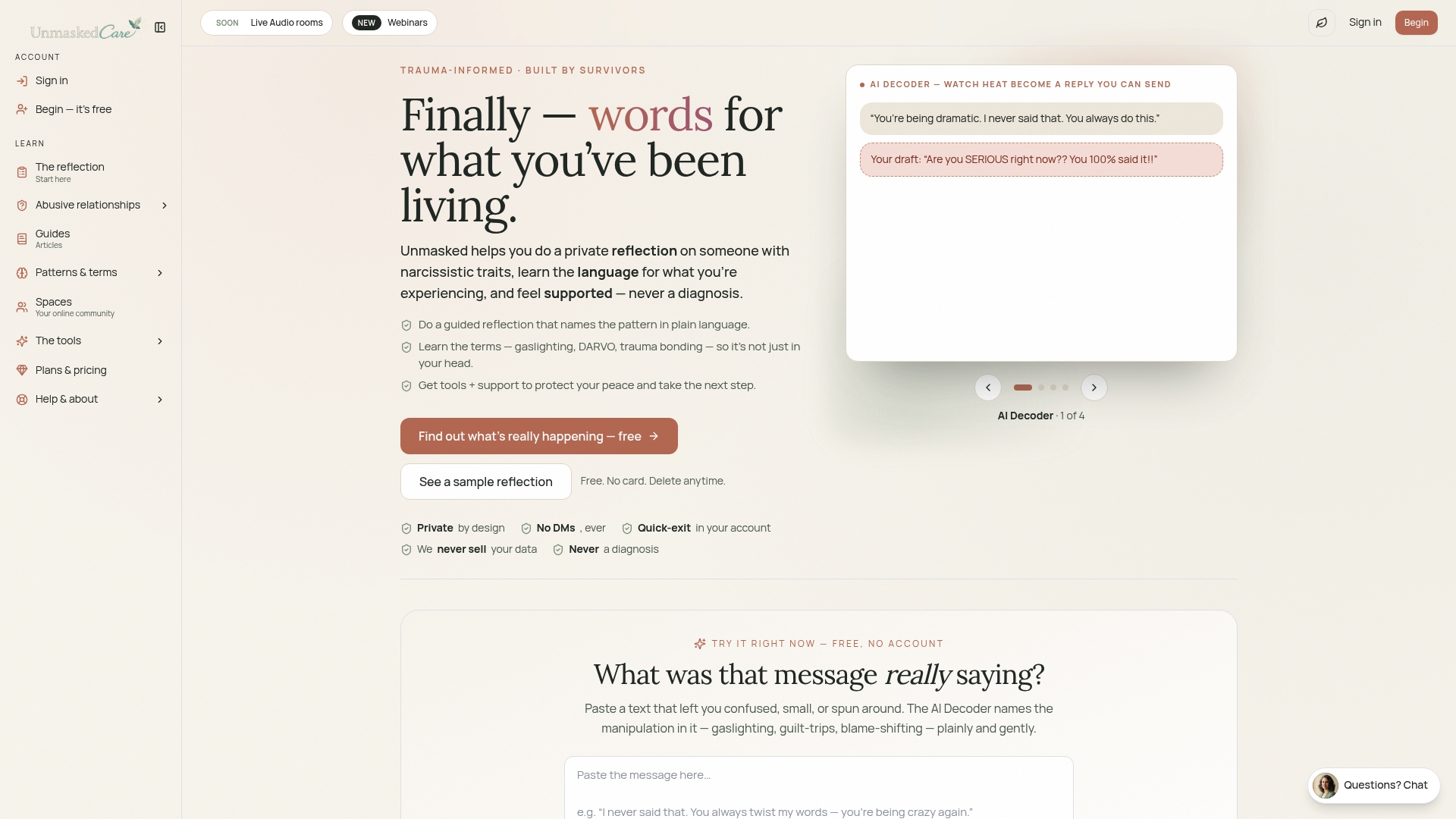
Start by browsing anonymously and reading the privacy policy before creating a profile. If you’re trying to make sense of specific patterns in a relationship, tools like the gaslighting glossary help you name what happened in language that’s precise rather than vague, which makes it easier to describe your experience in a group without oversharing identifying details. When you’re ready, set up your account with a burner identity and adjust your privacy settings before your first post. Explore Unmasked Care to see how the platform works before committing to anything.
Sources
For deeper guidance beyond this checklist, review the Safety Net Project’s online group recommendations, The Hotline’s tech-abuse resources, and Unmasked Care’s guide to building a safety plan for ongoing protection.
- Online groups guidance | SafetyNet Project
- Online Communities and Support Groups: Finding Safety in Virtual Survivor Spaces | Clarity House Press Blog
- Connects